
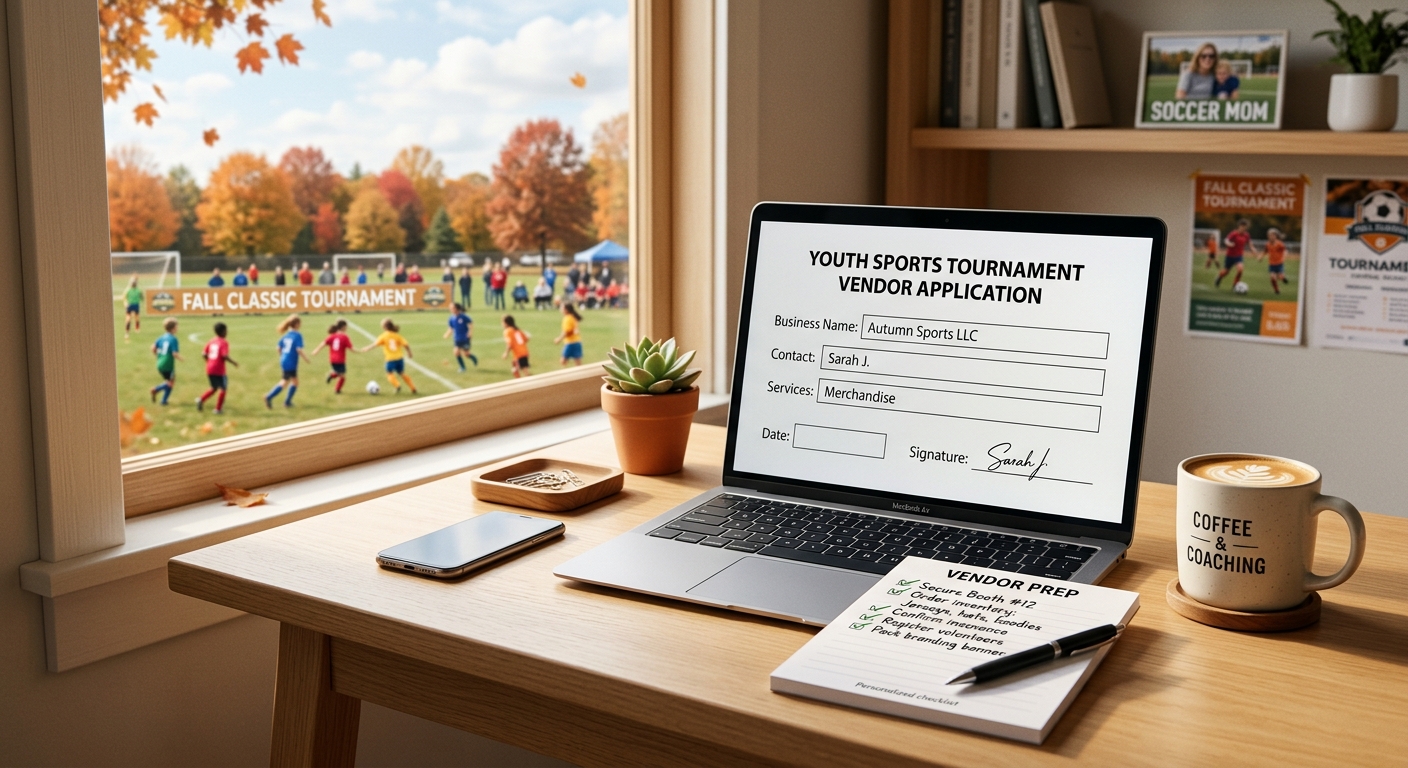
Meta description: A step-by-step vendor application checklist for holiday bazaar and winter craft fair organizers — what to ask, what to charge, and how to keep it all in one place.
October is vendor-booking season. Crafters, candle makers, bakers, and small-shop owners are filling their holiday market calendars right now, and a clean, fast vendor application is often the difference between filling 40 booths and scrambling to fill 25. But a good application does more than gather names — it's the first financial record of your bazaar-as-fundraiser.
What to Include on Your Vendor Application
At minimum, your application should collect:
- Vendor/business name and contact info
- Product category (to avoid overlap — you don't want five candle vendors)
- Booth size requested and electricity needs
- Booth fee payment (collected at time of application, not "due at the event")
- Certificate of insurance, if your venue requires it
- Photo of products for your event promotion
Table: Application Fields vs. Why They Matter
| Field | Why It Matters |
|---|---|
| Product category | Prevents booth overlap, improves shopper experience |
| Electricity needs | Determines booth placement and pricing tier |
| Booth fee at application | Locks in revenue early, avoids no-show losses |
| Insurance certificate | Protects your school/venue from liability |
| Product photo | Builds your bazaar's promotional content |
Collecting Fees at Application, Not at the Door
Here's the habit that changes everything: collect the booth fee when the vendor applies, online, not as a promise to pay later. Vendors who pay upfront rarely no-show, and you walk into event week with your vendor revenue already locked and visible on a dashboard — not scattered across texts saying "I'll Venmo you."
A single application-and-payment page (like the one available through school event ticketing) means every booth fee is tracked automatically, alongside your entry ticket sales and raffle proceeds, with 0% platform fees eating into what your vendors pay.
Reviewing and Confirming Vendors
Once applications come in, review for category balance and confirm booth assignments within 48–72 hours — vendors are applying to multiple bazaars this month and will commit to whichever organizer responds fastest and most professionally.
FAQ
Q: Should I require a certificate of insurance from every vendor?
Most school and civic venues require it for food vendors and recommend it for all vendors; check your venue's policy before finalizing your application.
Q: How do I prevent too many vendors selling the same product?
Ask for product category on the application and cap each category (e.g., "3 candle vendors max") before you open registration.
Q: Should booth fees be refundable if a vendor cancels?
Most organizers use a sliding refund policy — full refund 30+ days out, partial refund inside 2 weeks, no refund inside 7 days — stated clearly on the application.
Q: What's the fastest way to build a vendor application without starting from scratch?
Use an event page builder that includes an application form, online payment collection, and a live dashboard — like school event ticketing — so vendors apply and pay in one step.
Build Your Vendor Application Today
Stop recreating the vendor form from scratch every year. Create your holiday bazaar page with a built-in vendor application and booth fee payment, free to set up, with 0% platform fees.